
Getting customers to leave reviews can feel like a bit of a chore, right? You do a great job, and you’d love for people to shout about it online, but it just doesn’t always happen. That’s where a google review qr code generator comes in handy. It’s a simple bit of tech that makes it super easy for happy customers to share their thoughts. Think of it like a digital nudge, turning those positive experiences into visible feedback that can help your business grow.
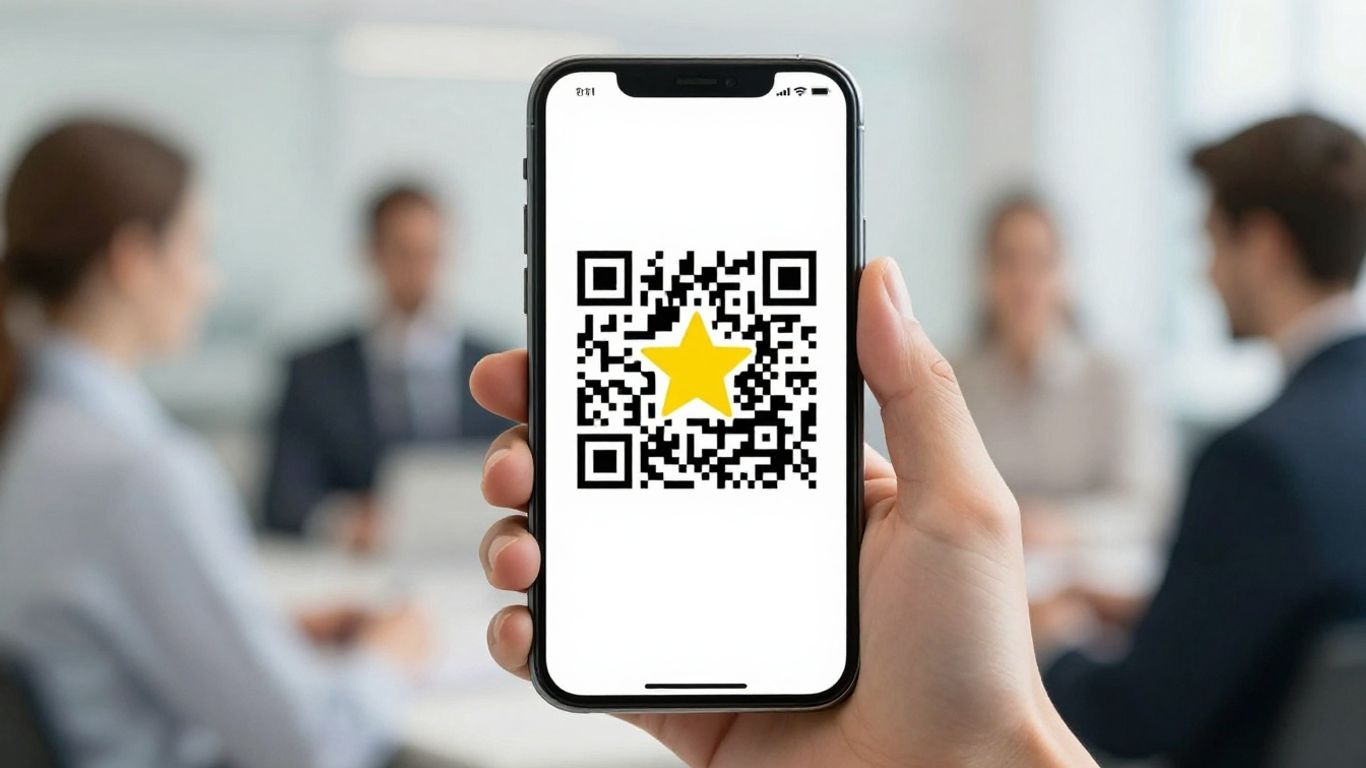
In today’s busy world, what people say about your business online really matters. Think about it: when you’re looking for a new cafe or a reliable plumber, where do you turn first? Chances are, you’re checking Google reviews. For UK businesses, especially local ones, these reviews are like a digital handshake – they build trust and draw people in. A coffee shop in Brighton, for example, might see a noticeable jump in foot traffic simply because their Google listing pops up first when someone searches for "best coffee near me," all thanks to a steady stream of positive feedback.
It’s not just about getting found, though. Positive reviews act as a powerful endorsement. They tell potential customers that you’re good at what you do, and that others have had a great experience. This is where making it easy for customers to share their thoughts becomes incredibly important. If a customer has a brilliant time at your restaurant or is thrilled with the service from your tradesperson, you want to capture that enthusiasm before it fades.
Getting customers to leave reviews can feel like a bit of a chore, both for them and for you. They might forget, not know how, or simply not have the time. This is where a Google review QR code generator comes in as a real game-changer. Instead of fumbling for a website address or trying to remember your business name, customers can simply scan a code with their phone. It’s a direct, instant link to your review page, cutting out all the usual steps.
Imagine a busy pub in Manchester. After a great meal, a customer is handed their bill, which also has a small, neat card attached. This card has a QR code. A quick scan, a few taps, and they’ve left a glowing review. It takes seconds. This simple act dramatically increases the chances of getting that review compared to just hoping they’ll remember later. It’s about removing friction and making the process as smooth as possible. You can even get a QR code generator that lets you create your own QR code quickly.
More reviews mean better visibility on Google. It’s a straightforward equation. When your business has a healthy number of positive reviews, Google’s algorithm takes notice. This can mean appearing higher in local search results, making it easier for new customers to find you. For a small shop in Edinburgh, this could be the difference between a quiet afternoon and a bustling trade.
Consider this: A local bakery consistently receives five-star reviews. As a result, when someone searches "best cakes in Edinburgh," their shop appears prominently. This increased visibility directly translates into more customers walking through the door. It’s a powerful cycle: good service leads to good reviews, which leads to more visibility, which leads to more customers. This is why making it easy to leave reviews is not just a nice-to-have, it’s a business necessity. Providing a simple way to leave feedback, like through a QR code, helps you tap into this powerful marketing tool. You can find tools to generate Google review QR codes with ease.
It really boils down to this: people are busy. If you make it a hassle for them to leave a review, they probably won’t. That’s where a Google Review QR code generator shines. It cuts out all the faff.
Think about it. A customer has just had a brilliant meal at ‘The Cosy Kettle’ cafe in Brighton. They tell the staff how lovely it was. Instead of just saying ‘thanks’, the server hands them a small, neat card. On it is a QR code. The customer pulls out their phone, scans it, and bam – they’re on The Cosy Kettle’s Google review page. No searching, no typing out long web addresses. Just a quick scan and they can share their positive experience right there and then. It’s so straightforward, it feels almost effortless for them. This simple step can make a huge difference. For example, many local businesses in the UK have seen a noticeable uptick in reviews simply by having these cards readily available at the point of sale or even tucked into their takeaway packaging. It’s about meeting customers where they are, with a tool that’s already in their pocket.
While the QR code does the heavy lifting, a little extra thought goes a long way. For restaurants, having a space on the card for the server’s name can make it feel more personal. Imagine a customer enjoyed the service from Sarah at ‘The Gilded Spoon’ in Manchester. They can leave a review specifically mentioning her. This not only encourages the review but also helps with staff recognition and morale. It shows you value both the customer’s feedback and your team’s effort. Some businesses even add a small, friendly message like, "We’d love to hear about your experience!" or "Your feedback helps us grow." These small touches can really make a customer feel appreciated and more inclined to share their thoughts.
The best feedback tools don’t feel like an extra chore; they fit naturally into what the customer is already doing. For a hotel, a review card can be placed in the room, perhaps alongside the Wi-Fi details. A customer enjoying their stay can leave a review before they even check out. For a retail shop, it could be handed over with the shopping bags. The key is to make it part of the transaction or the experience itself. This way, you’re not interrupting their day; you’re simply providing an easy avenue for them to express their satisfaction. It’s about making the act of giving feedback as smooth as possible, turning a happy customer into a valuable online advocate for your business. This approach has been adopted by numerous UK businesses, from independent bookshops to local plumbers, gathering more reviews and boosting their online presence.
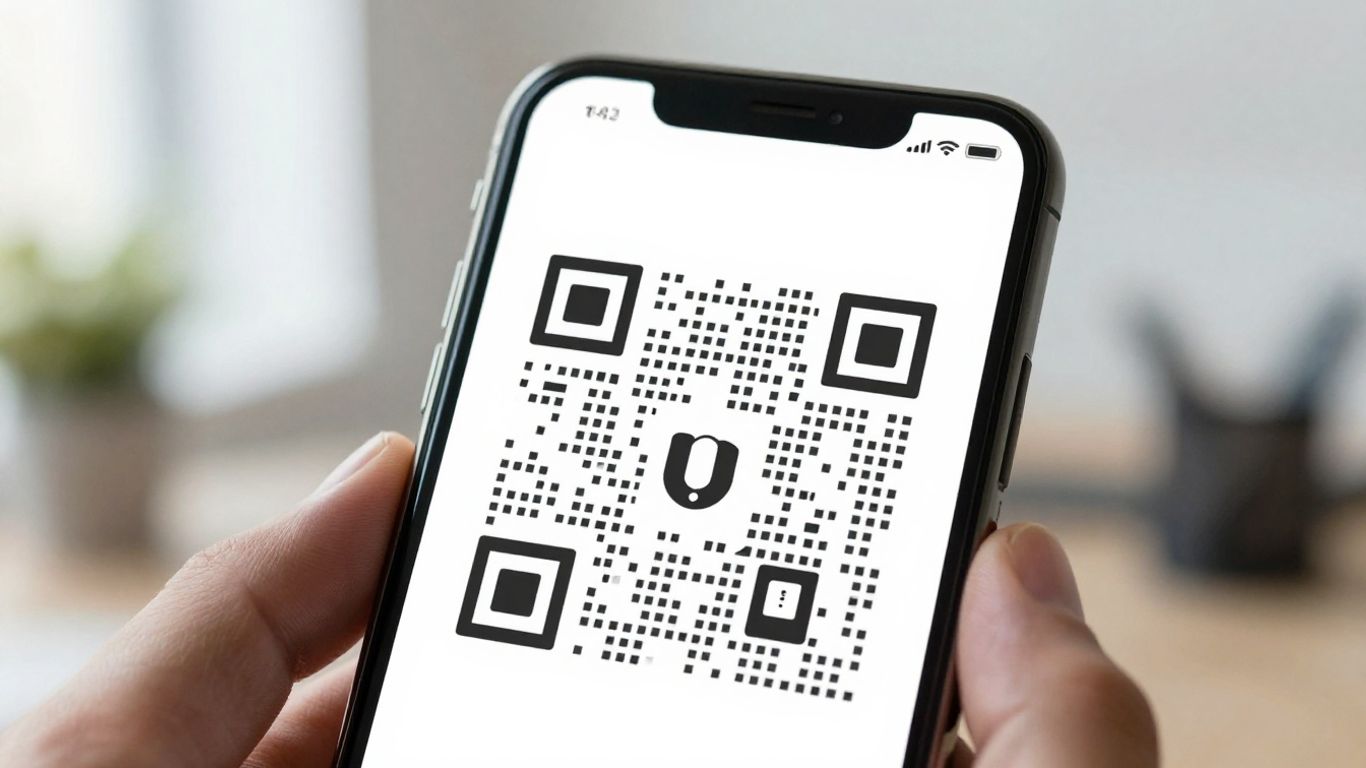
Online reputation isn’t just a buzzword—it’s the currency that gets people through the door and keeps them coming back. In the age where Google, TripAdvisor, and Trustpilot are the first places people look, making it easy for customers to leave positive reviews is the practical edge every business owner needs.
Regular, positive feedback is one of the simplest ways to push your business up local search rankings, making you more visible and trusted by new customers. If your café is sitting at 4.8 stars with 500 reviews, while your nearest competitor has 3.9 with just 50, you’ll naturally get more clicks, calls, and footfall. It’s not just about volume, either—consistency sends a signal to search engines and people alike that you’re reliable now, not just two years ago.
| Business Type | Reviews Before | Reviews After | Ranking Change (
Google Maps) |
|—————-|—————|————–|———————-|
| Dentist | 18 | 157 | #16 → #4 |
| Coffee Shop | 30 | 92 | #11 → #2 |
| Guesthouse | 8 | 41 | #19 → #6 |
Google Review QR code generators have changed the game for small businesses. With a card or sign by the till, at the table, or even in a delivery bag, customers can scan and leave feedback in as little as 30 seconds. There’s no complicated login, and no need to find your business out of a list. Nan at number 24 might not be tech-savvy, but scanning a card is easier than remembering a website address.
The most effective review strategies are those that meet people where they are. If the review prompt is handed over just as the customer’s had a good experience—while their coffee is still warm, or right at checkout—they’re more likely to write something positive, quickly and honestly.
You don’t need gimmicks—just a gentle nudge at the right time. Many UK businesses personalise their review cards, adding staff names or a short, friendly message. That simple touch not only encourages feedback but creates a small connection, which reflects in the reviews themselves. Staff feel valued, customers feel seen, and the reviews are more specific and personal.
Some tips for turning satisfied customers into five-star ambassadors:
Maintaining a strong online reputation is an ongoing job, but it doesn’t need to be a stressful one. Tools like QR code generators and review cards take care of the hardest part: getting your happy customers to actually share their experience, where it counts. For more on the basics of brand reputation, have a look at these straightforward ideas on online reputation management.
Review cards have quietly become a staple for UK businesses wanting a stream of genuine online feedback. They’re easy to hand to a customer, quick to scan, and simple to use—it’s no wonder so many cafés, hairdressers, and tradespeople now swear by them. Below, we’ll cover how to get the most from custom review cards for Google, TripAdvisor, and Trustpilot, and show why they’re a proper game-changer for local reputation.
Your review card is like a digital handshake with your customer. Make it count. Good cards are personalised with your logo, contact info, and a short, friendly call-to-action (like, “Let us know how we did!”). The key bit is the QR code—uniquely set up to send people straight to your review page on the right platform.
Here’s what to include for the best results:
A Manchester café went one better, handing out branded cards after every order. They even printed a polite thank-you and saw their weekly Google review count triple within a month. Personalised card designs like these make your business look put-together and trustworthy.
Don’t just leave your review cards sitting at the till. For the best shot at five-star reviews:
A York plumbing firm started handing cards to clients after completing each job. They saw reviews rise by over 60% and landed higher on local Google Maps search, bringing in more new calls each week.
| Location | Review Platform | Before Cards | After Cards | % Change |
|---|---|---|---|---|
| Manchester Café | 4/month | 12/month | +200% | |
| York Plumbers | 10/month | 16/month | +60% | |
| Leeds B&B | TripAdvisor | 3/month | 8/month | +167% |
A small effort handing out cards can mean dozens more potential customers discovering your business, seeing real honest feedback, and choosing you over someone with an empty profile.
It’s not just a pretty card—there’s smart tech at play. QR codes (and now NFC chips) take out all the fiddly steps for your customers. No one wants to search your name, click around, scroll for the right page, or get lost along the way.
With review cards:
Ordering is easy—simply give your details, logo, and which platforms you want reviews on to a provider. Most suppliers handle the technical setup, print, and delivery. Businesses across the UK have found adopting review cards to be the simplest change with the biggest impact on online reputation.
If you want reviews without the faff, review cards are a practical and proven choice that slot neatly into your everyday routine—and your customers will appreciate how easy it is to say something nice about you.
While a standard Google review QR code card is a fantastic starting point, the world of customer feedback is always evolving. To really get ahead, consider looking at some of the smarter solutions now available. These go a step further, making it even easier for your customers to share their thoughts and for you to manage your online reputation.
Think of Near Field Communication (NFC) as a super-powered QR code. Instead of needing to scan, customers simply tap their smartphone near an NFC-enabled card or sticker. This contactless technology opens your review page instantly. It’s incredibly quick and feels quite futuristic, which can be a nice touch for customers. For example, a busy London café might place an NFC sticker on their counter. A customer enjoying their coffee can just tap their phone as they leave, leaving a review without even needing to open an app or find their camera.
Not everyone has a phone that supports NFC, or they might not have it enabled. That’s where dual-technology cards come in. These clever cards combine both an NFC chip and a QR code. This means you’re covered, no matter how your customer prefers to interact. A local plumber in Manchester, for instance, could hand out these cards after a job. If the customer has an NFC-enabled phone, they tap. If not, they simply scan the QR code. This maximises your chances of getting that review.
Here’s a quick look at how dual-tech cards work:
These advanced review solutions aren’t just about convenience; they’re a smart investment. By making it as simple as possible to leave feedback, you’re more likely to collect a higher volume of reviews. More positive reviews mean better visibility on Google Maps and search results, which directly translates into more potential customers finding your business. Think of a small independent bookshop in Edinburgh; by consistently collecting reviews through these smart cards, they can outrank larger chains in local searches, driving more foot traffic through their doors. Tools like the QR Code Generator Chrome Extension can help manage the codes associated with these efforts. Ultimately, a strong online reputation built on genuine customer feedback is a powerful asset that keeps paying dividends. Using a free Google Review QR Code Generator is a great starting point, but exploring these advanced options can really propel your business forward.
So, you’ve decided to make getting customer feedback a doddle with a Google review QR code generator. Brilliant move. But with so many options out there, how do you pick the one that’s actually going to help your business? It’s not just about the QR code itself; it’s about the whole package.
Think about it. You want something that’s easy for your customers to use, obviously. But you also need it to be straightforward for you to set up and manage. A complicated system is just going to add more hassle, and we’re trying to get away from that, aren’t we?
When you’re shopping around, keep these things in mind:
This is where many providers shine, or fall short. The best ones make it incredibly simple. You usually just need to provide your Google Business Profile link, and they’ll generate the QR code for you. Many offer design services too, so you don’t have to be a graphic designer.
For instance, a popular chain of hairdressers in London found that ordering review cards was as simple as uploading their logo and choosing a card design. They received proofs within a day and had their custom cards delivered within a week. That’s the kind of efficiency you’re looking for.
Some services even offer dual-technology cards, which have both a QR code and an NFC tap feature. This means customers can either scan the code or simply tap their phone on the card to leave a review. It covers all bases, catering to everyone, regardless of their phone or preference. This is particularly useful for businesses with a diverse customer base, like a busy market stall in Birmingham.
Ultimately, this is all about improving your business. More positive reviews mean better visibility on Google and other platforms. Think about a small B&B in the Cotswolds. A steady stream of glowing Google reviews can make them stand out against larger hotels, attracting more bookings. It’s a direct link between making it easy for customers to leave feedback and seeing more customers walk through your door.
Ultimately, choosing the right generator isn’t just about a tool; it’s about investing in a smoother customer experience that directly translates into a stronger online presence and more business.
When you pick a generator that offers dynamic codes and easy customisation, you’re not just getting a QR code; you’re getting a flexible marketing tool. This means you can adapt your review strategy as your business grows, always making it as simple as possible for happy customers to share their positive experiences. This consistent flow of reviews builds trust and drives local visibility, which is exactly what you want. If you’re looking for a good starting point, exploring top QR code generators can give you a clearer picture of what’s available.
Picking the best Google Review QR code generator can feel a bit tricky. You want something that’s easy to use and helps you get more reviews quickly. Think about what features are most important for your business. Ready to make getting reviews a breeze? Visit our website today to find the perfect solution for you!
Getting more customer reviews doesn’t have to be a headache. With a Google Review QR code generator, you can make it quick and easy for people to share their thoughts while their experience is still fresh. Just hand out a Review Card or pop a QR code plate on your counter, and you’re sorted—no fuss, no chasing. The best bit? You don’t need to be a tech expert or spend hours setting things up. Review Cards handles the design, printing, and setup, so you can focus on running your business. More reviews mean better visibility online, which brings in more customers. It’s a simple change, but it really does work. If you want to boost your reputation and make life easier for your happy customers, this is a smart move.
A Google Review QR Code Generator is a tool that creates a special QR code linking directly to your business’s Google review page. When customers scan the code with their phone, they are taken straight to where they can leave a review, making the process fast and simple.
Review Cards with QR and SMART NFC technology make it easy for happy customers to leave a review in seconds. By handing out these cards after a good service, you gently remind customers to support your business, which leads to more positive reviews and better online visibility.
No technical skills are needed. The provider handles everything, including design, printing, and setting up your QR code. All you need to do is hand the cards to your customers.
Only customers with a Google account can leave a review on your Google business page. But with over 1.4 billion active Google accounts worldwide, most people can leave a review when asked.
You can add your business name, logo, phone number, and website to your Review Cards. Some cards even have space for staff to write their name, adding a personal touch that encourages customers to leave feedback.
SMART NFC Review Cards include both a QR code and an NFC chip. This means customers can either scan the code or simply tap the card with their phone to be taken to your review page. This dual technology works with almost all smartphones and makes leaving a review even easier.