
Getting more Google reviews is a big deal for any UK business, and it’s actually pretty straightforward. You might be wondering how to get a QR code for Google reviews, and honestly, it’s simpler than you think. It’s all about making it super easy for your happy customers to share their good experiences. This guide will walk you through exactly how to do that, step-by-step, so you can start seeing those positive reviews roll in.
A Google Review QR code is essentially a digital shortcut. Think of it as a special barcode that, when scanned with a smartphone, instantly directs a customer to your business’s Google review page. It cuts out all the searching and guesswork, making it incredibly simple for someone to share their experience. For example, a local cafe in York might print these codes on their receipts. A happy customer, after enjoying their coffee, can simply scan the code and leave a quick review before they’ve even left the shop. It’s a straightforward way to capture that positive feeling while it’s still fresh. This makes getting reviews super quick.
In today’s world, online reviews are a massive factor in how customers decide where to spend their money. For UK businesses, especially those relying on local trade, a strong Google review profile is vital. It’s not just about a star rating; it’s about trust and visibility. When potential customers search for services, businesses with more positive reviews tend to rank higher in local search results. Imagine two similar businesses: one with 15 reviews and a 4.1-star average, and another with 150 reviews and a 4.7-star average. Which one do you think is more likely to get the business? It’s the one that looks more established and trusted. This is why making it easy to collect feedback is so important for your online presence and attracting new customers.
It’s a remarkably simple process for the customer. Once they’ve had a good experience, they just need to:
This streamlined approach means that even customers who might not normally bother leaving a review are more likely to do so because it requires minimal effort. For instance, a busy hairdresser in Manchester can hand out a small, branded card after a successful appointment. The customer can then leave a review on their commute home, turning a positive interaction into valuable online feedback. This reduces friction and makes it easy for happy customers to support your business.
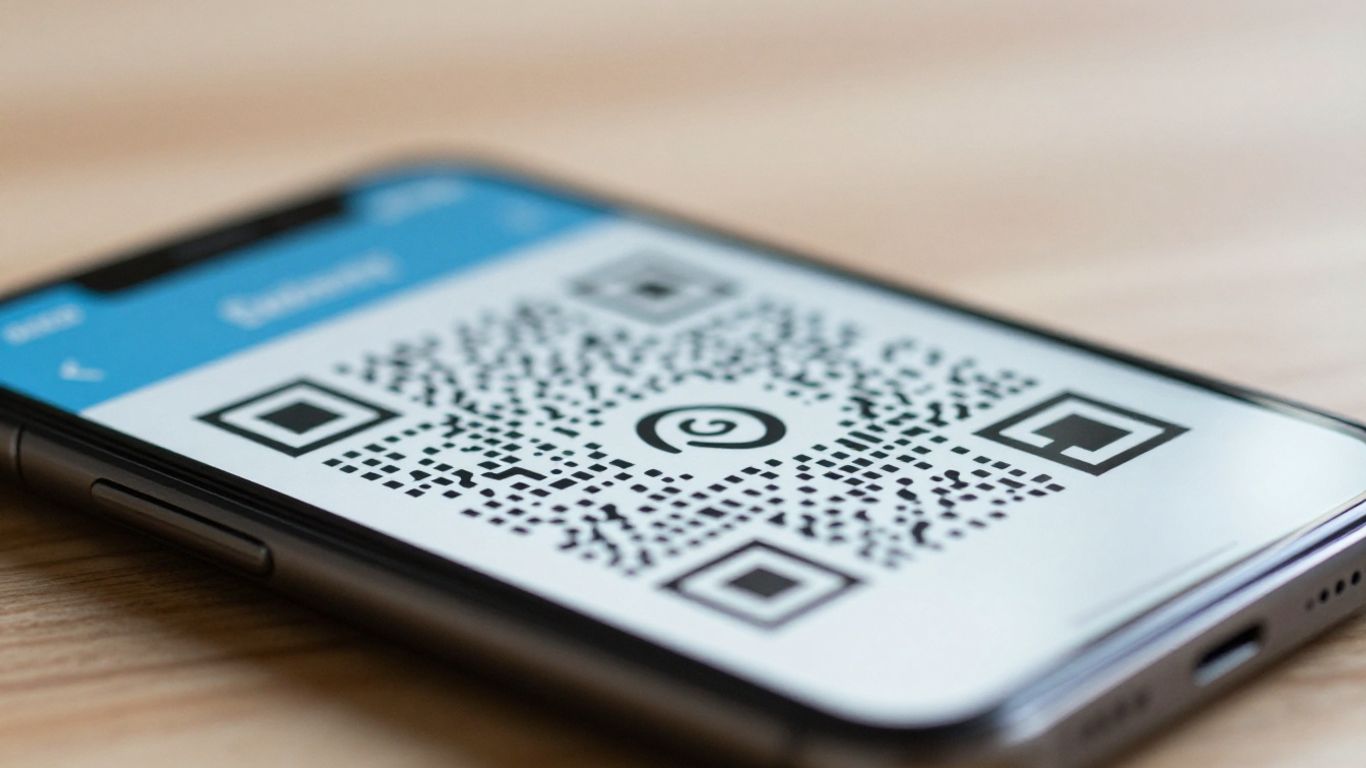
Getting more customer reviews doesn’t have to be a chore. With a QR code, you can make it incredibly simple for happy customers to share their thoughts. UK businesses, from local cafes to independent shops, are finding that a quick scan is all it takes to boost their online presence. It’s all about making the process as easy as possible.
There are plenty of online tools out there, but picking one that’s straightforward and trustworthy is key. You want a generator that doesn’t require you to sign up and, importantly, provides a QR code that won’t expire. Look for services that allow you to download high-resolution images, perfect for printing on review cards or other materials. Some even offer dynamic codes, which means you can update the link later if needed.
Creating your own Google Review QR code is surprisingly simple. Here’s how to do it:
Getting the right link is the first step. You can usually find this by:
If you’re struggling, many online tools can help you locate your specific review link. For example, a quick search for your business name on Google Maps and then navigating to the reviews section should provide the correct URL. This direct link is what makes the QR code work.
It’s worth noting that while many free generators exist, some might have limitations or add watermarks. For businesses that rely heavily on reviews, investing in a paid service for dynamic QR codes can offer more flexibility and tracking capabilities down the line.
So, you’ve got your Google Review QR code sorted. Brilliant! But just having the code isn’t quite enough, is it? We need to make sure it’s actually going to get used. Think of it like having a fantastic shop front – if no one knows it’s there or how to get in, they’re not going to come in. The same applies to your QR code. It needs to be visible, easy to understand, and presented in a way that makes people want to scan it.
Your QR code doesn’t have to be that standard black and white square. You can actually make it a bit more eye-catching and on-brand. Many services let you add your business logo right into the middle of the code. Imagine a local bakery in Brighton with their little croissant logo sitting proudly in their QR code. It looks professional, and it’s instantly recognisable. This small touch can make a big difference in how many people actually bother to scan it. It’s about making it feel less like a generic tech tool and more like a part of your business’s identity. Some even let you play with colours, so you can match it to your existing branding. It’s a simple way to make your review request stand out.
This is where your QR code really comes to life. Instead of just printing it on a plain bit of paper, think about creating dedicated review cards. These are usually the size of a business card and are perfect for handing out to customers. You can get them printed with your business name, logo, and even a friendly message. For example, a pub in Cornwall might have cards with their logo, a thank you message, and the QR code clearly displayed. When a customer has had a great pint and a good meal, they’re handed this card on their way out. It’s a gentle nudge, a reminder that their feedback is appreciated and super easy to give. It’s much more personal than a sticker on a table that might get ignored.
Placement is key. Think about where your customers are most likely to have their phones out and be in a receptive mood. Here are a few ideas:
Ultimately, the goal is to make it as effortless as possible for a happy customer to share their positive experience. The easier you make it, the more reviews you’ll get.
When a customer has a great experience, they often want to share it. But sometimes, finding where to leave a review can be a bit of a faff. That’s where a Google Review QR code comes in. Think of it as a direct express lane to your Google business profile. Instead of them having to search for you, they just scan the code, and boom – they’re right there, ready to share their thoughts. This makes it so much easier for happy customers to leave you those all-important five-star ratings. For example, a local cafe in Manchester might put a small QR code on their takeaway cups. A customer enjoys their coffee, sees the code, scans it on their way out, and leaves a glowing review about the friendly service and delicious pastries. It’s that quick. This ease of use encourages more customers to share their positive experiences, ultimately benefiting the business.
So, you’ve got your QR code sorted. Now, what’s the big deal about putting it on a card and handing it out? It might seem like a small thing, but these little cards can make a surprisingly big difference for your business. Think of them as a super-easy way to turn happy customers into online advocates.
Let’s be honest, nobody wants to jump through hoops. When a customer has a great experience with your business, they’re often happy to share it. But if they have to remember your business name, search for you on Google, find your profile, and then figure out where to leave a review, that’s a lot of steps. A review card cuts all that out. They just scan the code, and they’re taken straight to the review page. It takes seconds.
For example, a small independent bookshop in Edinburgh, ‘The Book Nook’, found that by simply handing out review cards with every purchase, their Google ranking improved. Customers who might have otherwise forgotten were leaving reviews on the spot. This made it much easier for new customers to find the shop when searching for ‘bookshops Edinburgh’.
More reviews mean better visibility on Google. It’s as simple as that. When potential customers search for services or products you offer locally, businesses with more positive reviews tend to rank higher. This means more eyes on your business, and more potential customers walking through your door or clicking your website.
Consider a local cafe in Brighton. After they started using review cards, they saw a noticeable increase in their Google reviews. This boost helped them appear higher in local search results, bringing in more foot traffic. It’s a straightforward way to improve your local online visibility.
Online reviews are like word-of-mouth recommendations, but on a much larger scale. When potential customers see a good number of positive reviews, it builds trust. They see that other people have had good experiences with your business, which makes them more likely to choose you over a competitor. It’s a powerful way to show you’re a reputable business.
Think about a plumber in Manchester. After they started using review cards, they noticed an increase in positive feedback. This growing collection of reviews made their business look more reliable to new customers searching for ’emergency plumber Manchester’, ultimately leading to more bookings. It’s a simple step that builds confidence and attracts more business.
Here’s a quick look at how review cards can help:
Making the review process easy for your customers is key. It removes friction and encourages them to share their positive experiences, which directly benefits your business’s online presence and reputation. This low-tech approach, integrated at points of sale or service, can significantly improve your online visibility and responsiveness. [a80a]
Ultimately, review cards are a small investment that can yield significant returns by making it incredibly easy for your happiest customers to spread the word about your business.
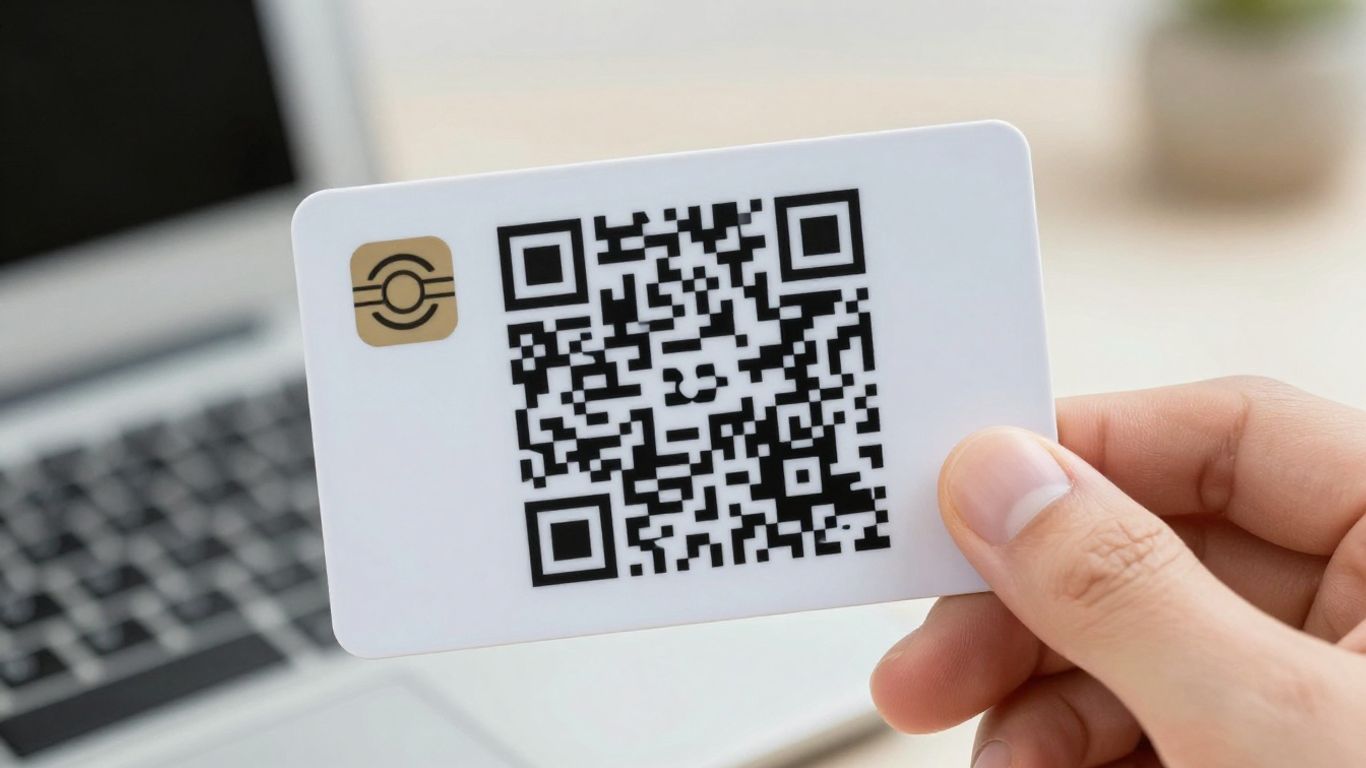
When you order your custom review cards, you’re getting a tangible tool designed to make getting more Google reviews straightforward. Typically, your order will include a set number of high-quality cards, printed on durable material. These aren’t just generic bits of card; they’re personalised to your business. You can expect your logo, business name, and contact details to be clearly displayed. The star of the show, of course, is the bespoke QR code, which is specifically generated to link directly to your Google review page. Many UK businesses, from independent cafes in Brighton to local plumbers in Leeds, find that receiving these cards is the first step towards a noticeable increase in their online feedback.
Making your review cards your own is simple and makes a big difference. You’ll usually be able to upload your business logo, choose specific colours that match your branding, and ensure your business name is prominent. Some services even allow for a short, friendly message to be added, like ‘Loved your visit? Let us know!’ or ‘We hope you enjoyed your meal!’. This personal touch makes the card feel more like a part of your brand experience. For example, a small bookshop in Edinburgh might add a quote about the joy of reading, making the card a little keepsake. This level of customisation helps build trust and makes customers feel more connected to your business before they even scan the code. You can even opt for dual-platform cards, linking to both Google and TripAdvisor, giving customers more options to share their thoughts [e207].
Once you’ve finalised your design, the next step is production and delivery. You’ll usually receive digital proofs of your card design before they go to print. This is your chance to double-check everything – the logo, the text, and most importantly, that the QR code scans correctly and leads to the right place. It’s a vital step to ensure you’re 100% happy. After approval, your cards will be printed and dispatched. Many providers offer free UK delivery, making the whole process even smoother. Businesses often report seeing a quick turnaround, with cards arriving within a few days to a couple of weeks, ready to be handed out to happy customers. This efficiency means you can start collecting more reviews without delay, boosting your local visibility and customer trust.
Ready to get your own custom review cards? It’s super easy to order them. Just pop over to our website and follow the simple steps. We’ll have your unique cards made and sent out to you in no time!
So there you have it. Getting a QR code for your Google reviews is a pretty straightforward process, and it really can make a difference for your business. It’s all about making it as simple as possible for your happy customers to share their good experiences. By putting these codes on cards, at your till, or wherever makes sense, you’re cutting out the fuss and letting people leave feedback in just a few seconds. It’s a small change that can lead to a big boost in your online presence and help more people find you. Give it a go – you might be surprised at how many more reviews start rolling in.
It’s like a special square barcode. When someone points their phone camera at it, it instantly takes them to your business’s page on Google, making it super easy for them to leave a review. Think of it as a quick shortcut to sharing their thoughts!
Loads of people check Google reviews before they decide where to go or what to buy. Having lots of good reviews makes your business look trustworthy and popular. This can mean more customers finding you and choosing you over competitors, which is a big help for local businesses!
Not at all! It’s really straightforward. They just need to use their phone’s camera to scan the code. The code does all the hard work, taking them straight to where they can leave feedback without any fuss. It usually takes just a few seconds.
Yes, you absolutely can! There are many websites that let you create a Google Review QR code for free. You can also find guides online that show you exactly how to get one and start using it to collect more customer feedback.
Google does require people to have an account to leave reviews. However, there are billions of Google accounts out there! While a few customers might not be able to leave a review, the QR code makes it so simple for everyone else that you’ll likely get plenty of feedback anyway.
You can put it almost anywhere customers might see it! Consider printing it on business cards, flyers, menus, or even on a sign at your counter or on tables. The easier it is for customers to spot, the more likely they are to use it to share their experience.